

Requesting Discount Access
This guide outlines the steps your drivers will follow to request access to a discount using the mobile app. Share these instructions along with the discount codes generated in Creating Driver Discounts.
Prerequisites
- Download the mobile app
- Log in to an existing account or create a new account
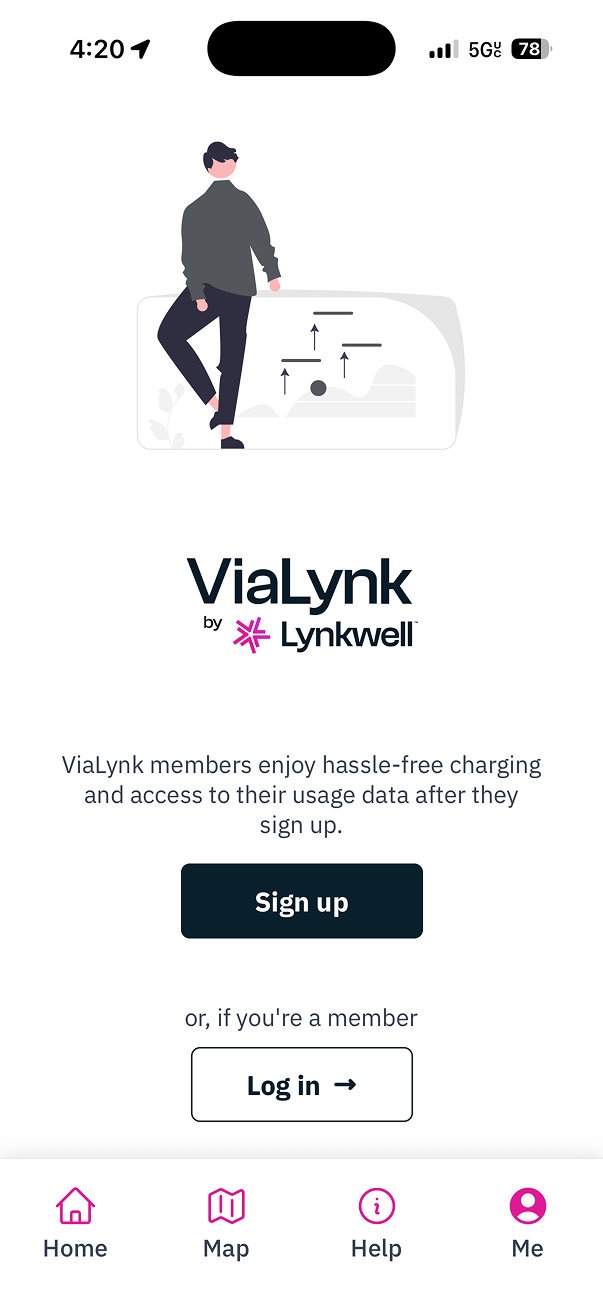
Steps
Select the
Metab in the bottom navigation bar.Select
Discountsto navigate to the Discounts screen.
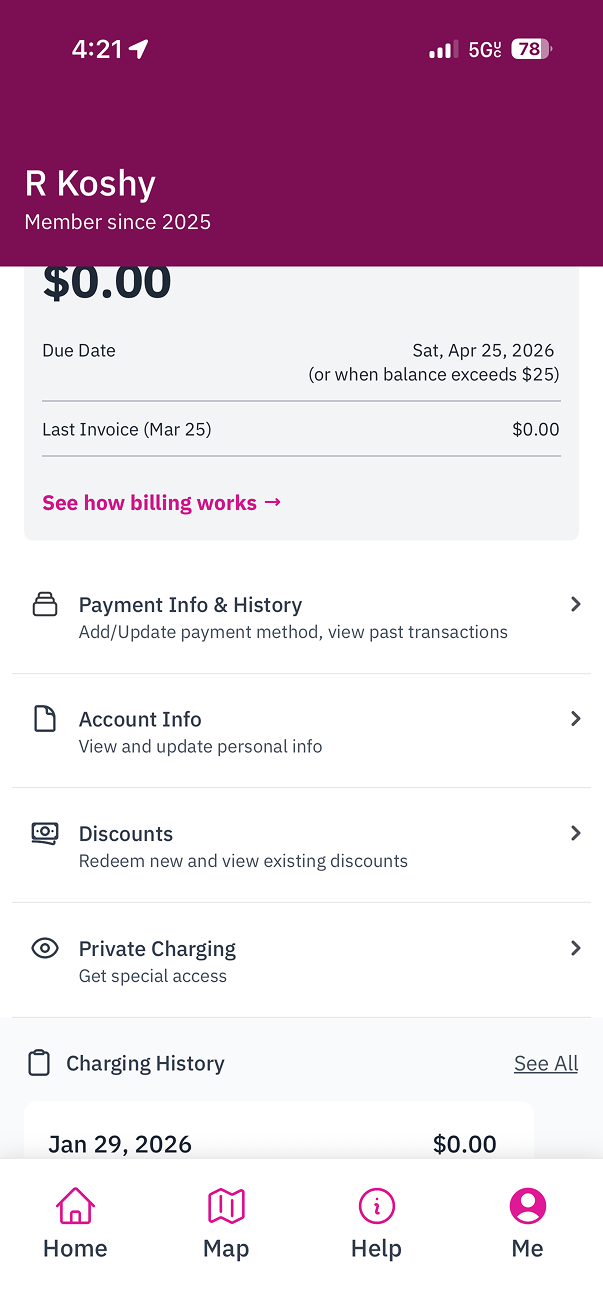
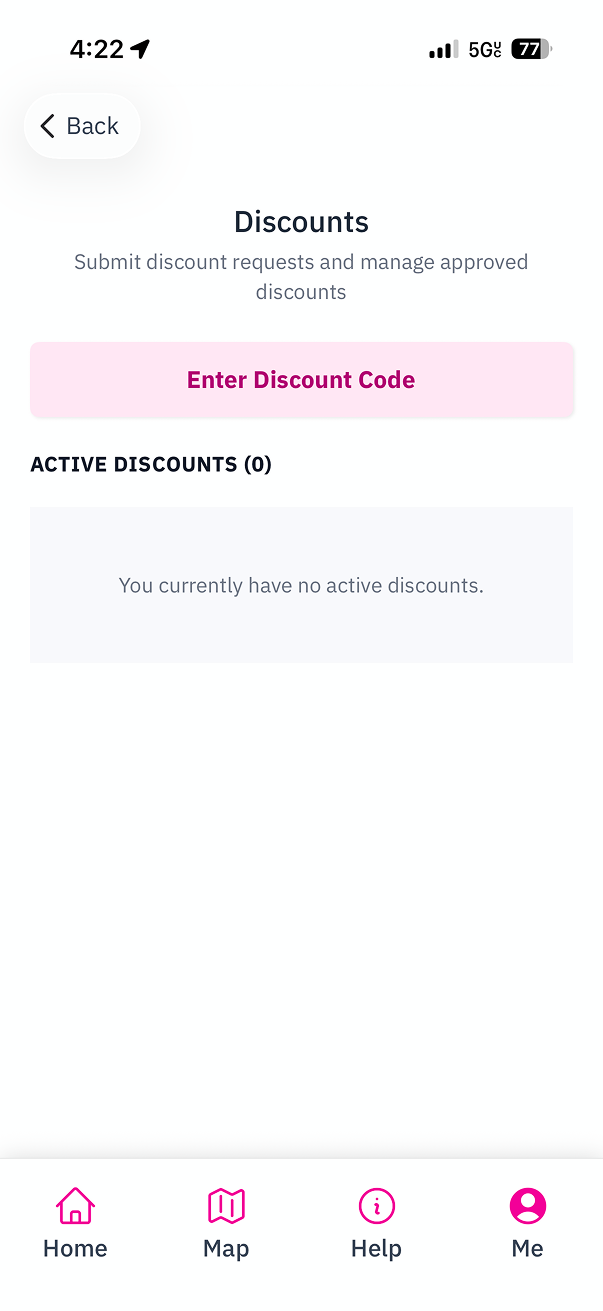
- Tap the
Enter Discount Codebutton.
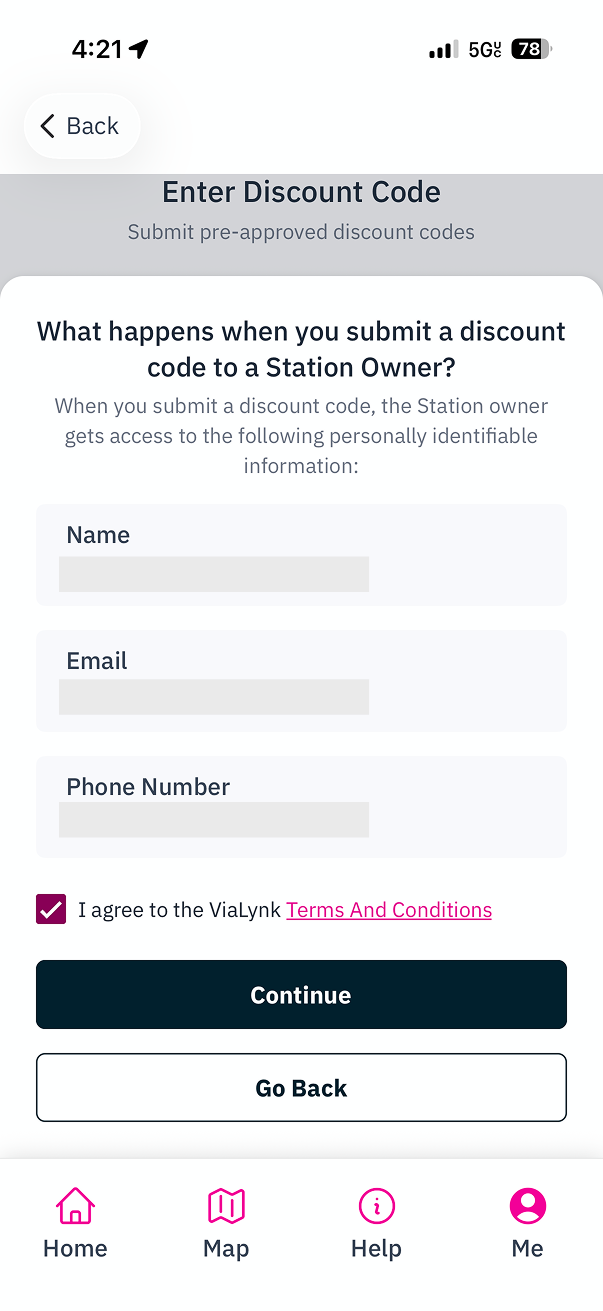
- When you submit a discount code, the Station Owner gets access to the following personally identifiable information: your Name, Email, and Phone Number. You will need to agree to these terms before proceeding.
Enter the discount code provided by your Site Host and tap Submit Request.
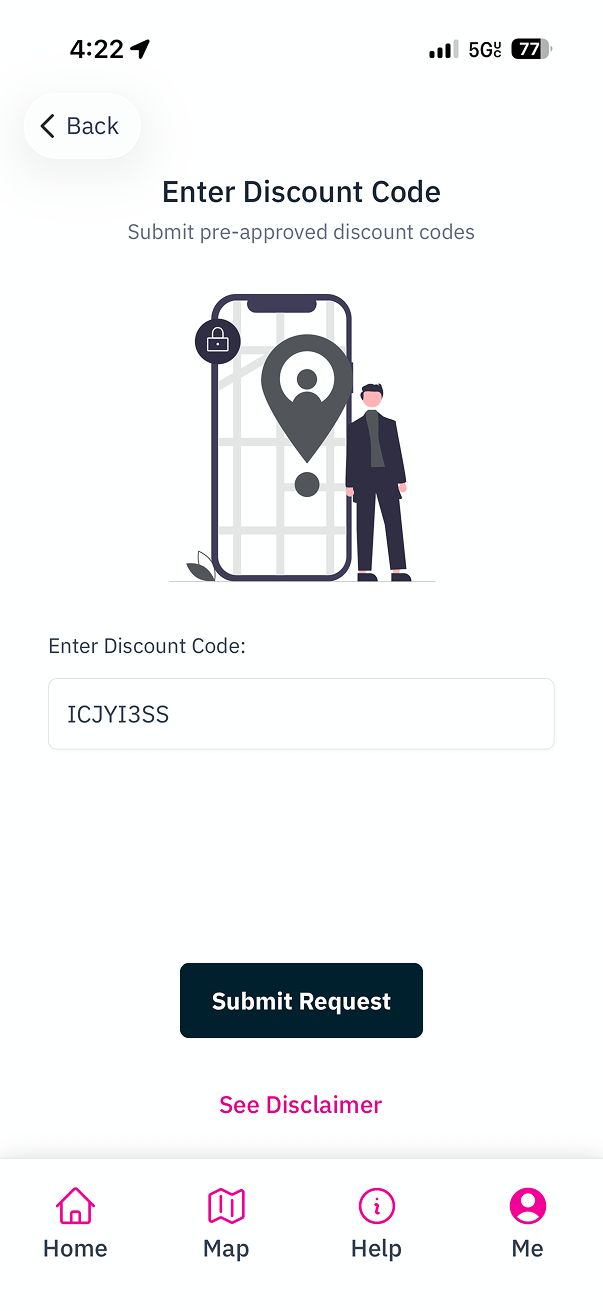
- You will see a confirmation message that your discount request has been submitted.
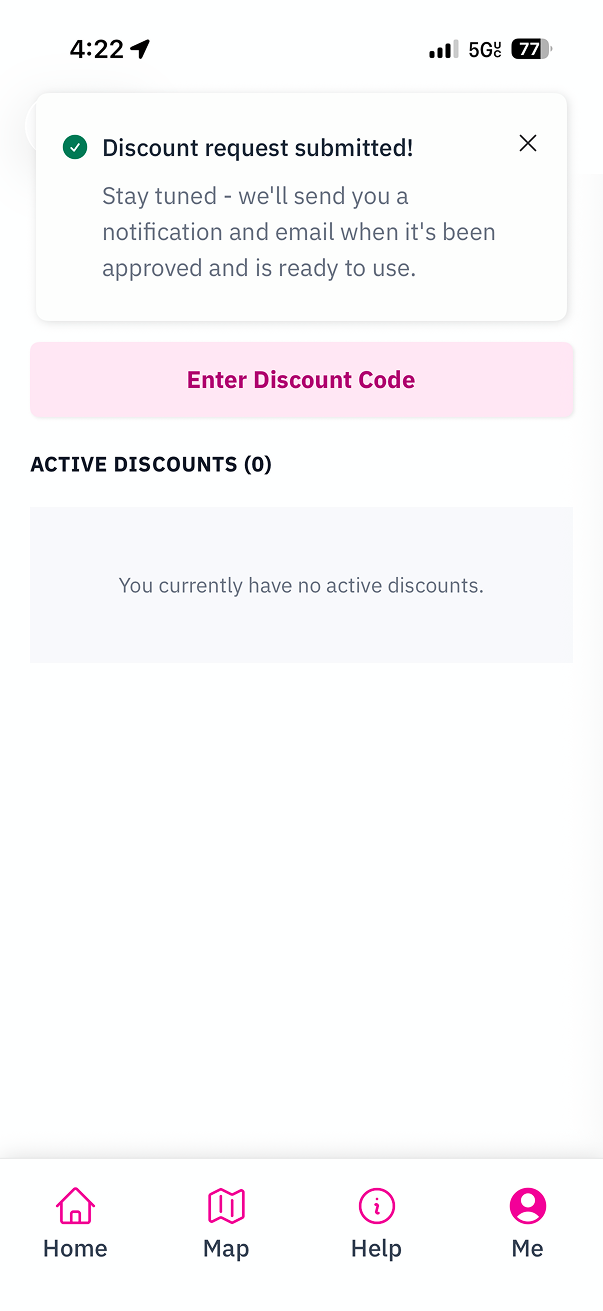
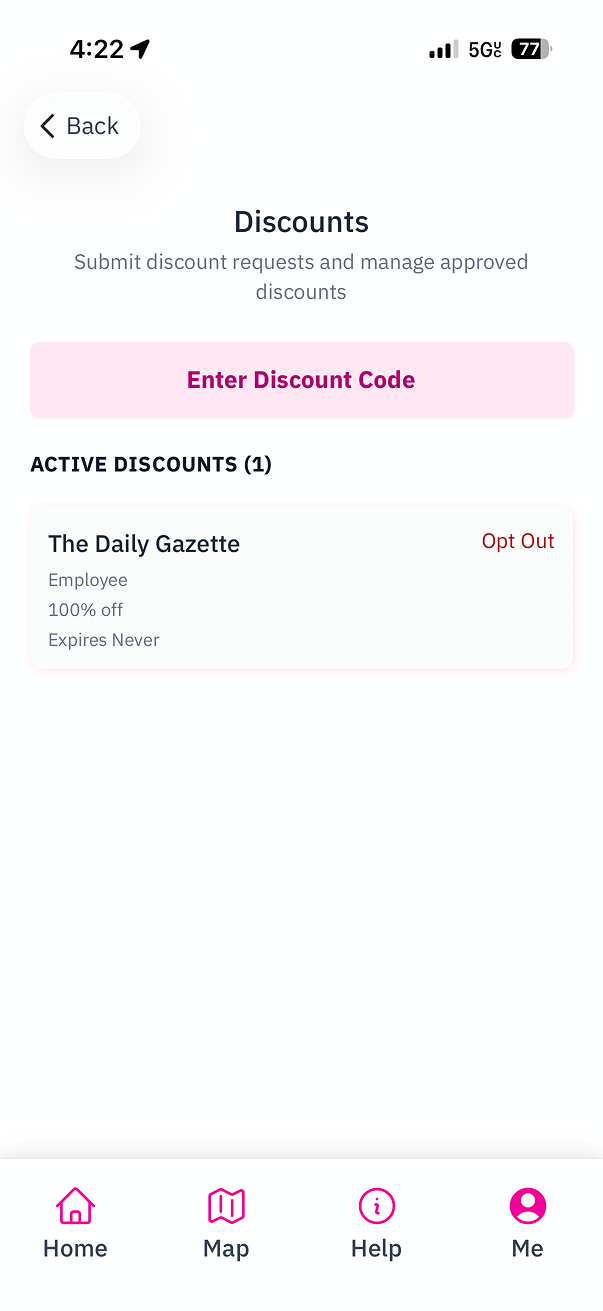
If the discount is set to auto-approve, the discount will appear under Active Discounts right away. Otherwise, you will receive a notification and email once the Site Host approves your request.
Related Guides:
Create an Account in Mobile App
A guide for drivers on creating an account in our Mobile App.
Create Driver Discounts
A guide for Site Hosts on creating discounts for drivers via Site Manager.